Does QYSH work without a connected device?
Yes. QYSH's core features – countdown, reduction plan, notifications, and the Today widget – are free and work completely without a connected device: simply log your sessions with the '+' button. The Bluetooth connection to compatible devices is optional and, together with detailed statistics, is part of QYSH Pro.
How do I set my daily limit or reduction plan?
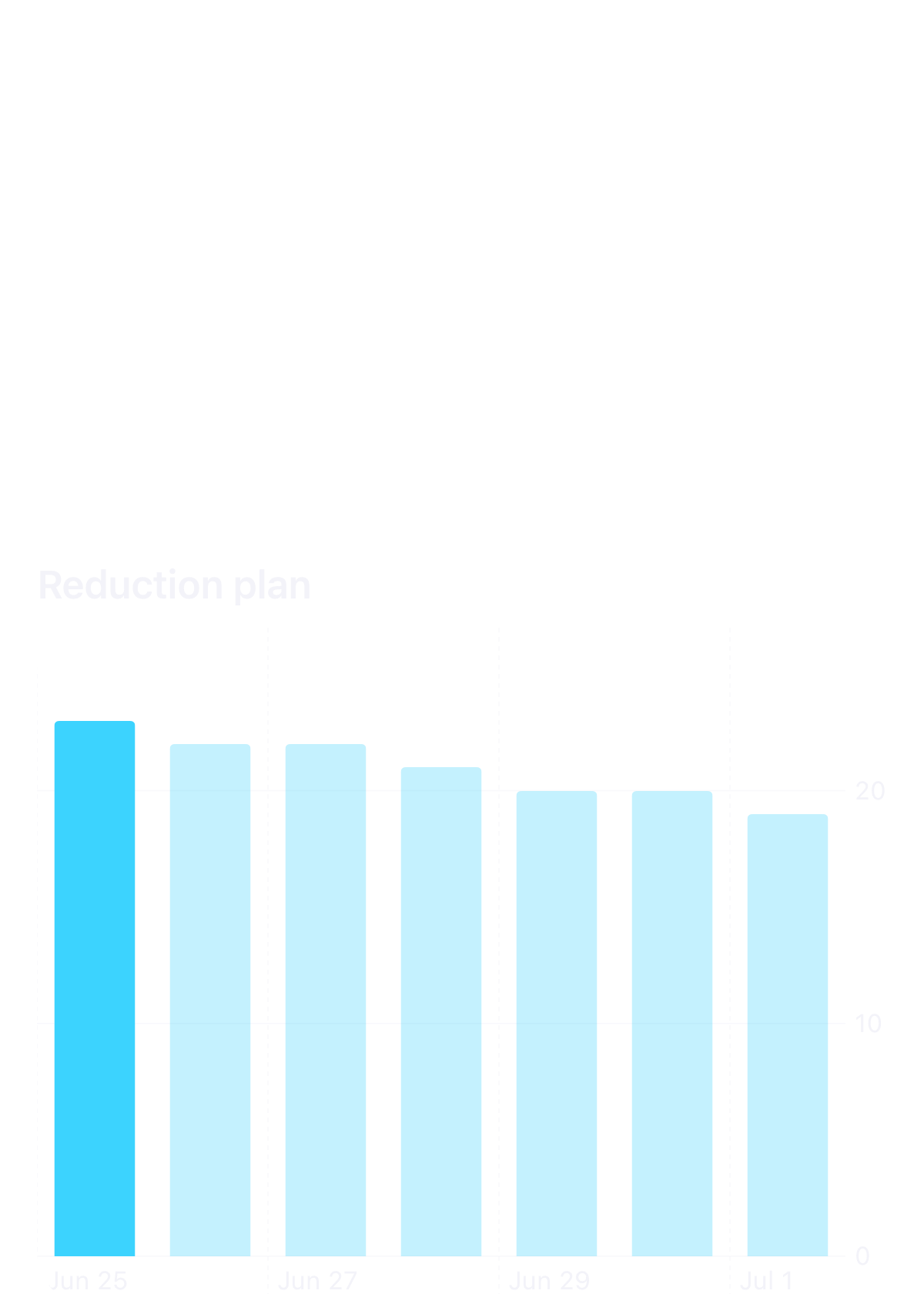
When you first start the app, you'll be asked whether you want to use a fixed limit or a reduction plan. You can change this anytime in the Countdown settings. There, you define how many sessions per day you want and whether this number should automatically decrease over time.
How does the app track my spending?
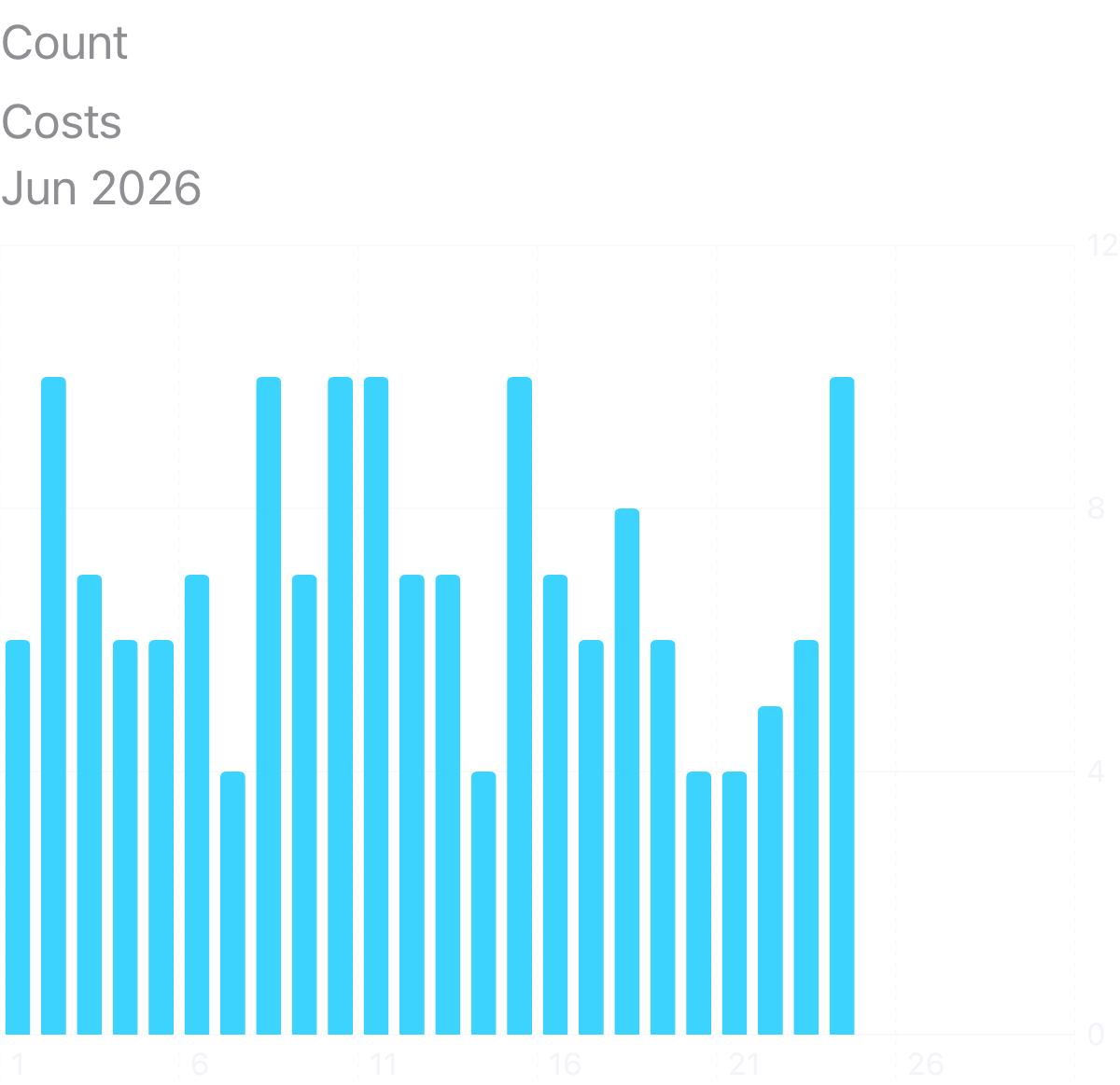
To calculate your costs, you need to enter the price per pack and quantity per pack in the Statistics settings. Afterward, you'll see your daily, monthly, or yearly spending in the Statistics view.
How do I select an exact time for a session?
Press and hold the '+' button. This opens a menu where you can select an exact time for the session.
Does the app need to run in the background?
Yes, the app should not be fully closed so it can continue communicating with your connected devices in the background.
What does automatic device selection in the Device Widget mean?
If active, the widget always displays the most recently used device.
Should I let my device discharge completely?
No, that is not recommended. If the battery is completely drained, the connection may be lost.
What should I do if my device is disconnected?
If the connection fails even after automatic reconnection attempts, turn the device off and on again.
My device is not found during pairing – why?
The device is probably connected to another app or another phone and is therefore not visible. Disconnect it there or close the other app, turn the device off and on again, and start the pairing again.
Does the Watch OS/Wear OS app work without the iOS/Android app?
No, the Watch OS/Wear OS app requires an active connection to the iOS/Android app to display data and device information.
When can I change my device settings?
Device settings can only be changed when the device is connected and the Holder is inside the charging case (except for IQOS ILUMA ONE).
What is Multiple Session Recognition?
This feature automatically adds all sessions once the Holder is recharged in the charging case. Note: When Pause Mode is used, the number of sessions cannot be detected correctly.
Are sessions tracked when my device is not connected to my phone?
No. Automatic tracking requires an active Bluetooth connection. Sessions without a connection – for example, when you are out without your phone – cannot be read from the device afterwards. The only exception is Multiple Session Recognition: if the Holder is recharged in the charging case while connected, those sessions are added automatically. All other missed sessions can be logged manually with the '+' button – press and hold to set an exact time.
What data does the app collect?
The app only stores the information you enter. No personal data is sent to third parties or stored on servers.
What happens to my data when I switch phones?
Your data is stored locally on your smartphone. If your device backup (e.g., iCloud or Google backup) or device-to-device transfer is enabled, your entries and settings are restored on the new phone. Without a backup, the data cannot be recovered.
Does the app sync between multiple devices?
No. Your data stays local on one smartphone – there is no cloud synchronization between multiple smartphones. The Watch OS/Wear OS app mirrors the data of the connected smartphone.